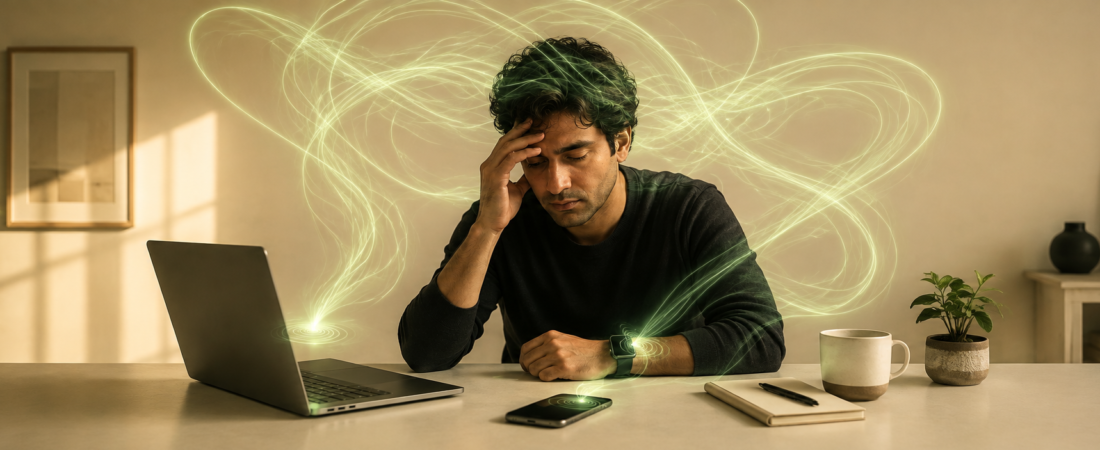
If you’re reading this on your third screen of the day, wondering why you feel wired and exhausted at the same time — that’s not just “being busy.” The most common signs of digital overload are trouble focusing on one task, irritability when notifications hit, eye strain or headaches by mid-afternoon, trouble falling asleep even though you’re tired, and reaching for your phone the second a task feels boring. If three or more of these sound familiar, your brain is telling you something worth listening to.
This isn’t about quitting your job or throwing your laptop in a lake. It’s about recognizing the pattern before it turns into burnout.
Key Takeaways
- Digital overload happens when the volume of screen input outpaces your brain’s ability to process and recover from it.
- Common digital fatigue symptoms include mental fog, short temper, disrupted sleep, and a shrinking attention span.
- Workplace-specific signs — like dreading your inbox or multitasking across five tabs without finishing any of them — often get mistaken for “just having a lot on your plate.”
- You don’t need a digital detox retreat. Small, specific changes to how and when you use screens make a measurable difference [Study on structured screen breaks and cognitive recovery].
- If symptoms include ongoing sleep loss, anxiety, or low mood, talk to a doctor — screen habits can be one piece of a bigger picture, not the whole story.
What Is Digital Overload?
Digital overload is what happens when your brain takes in more screen-based information — emails, Slack pings, news alerts, video calls, doomscrolling — than it can actually process, file away, and recover from in a day.
Think of your attention like a phone battery. Every notification, every tab switch, every “quick check” of your phone drains a little bit. Unlike your phone, though, most of us don’t plug in and recharge. We just keep running on 8%, wondering why everything feels harder than it should.
It’s not the same thing as “screen time” in the raw hours-per-day sense. You can spend six hours a day on a screen doing focused, single-tasked work and feel fine. You can also spend two hours doom-scrolling and fragmented multitasking and feel completely fried. It’s the fragmentation and stimulation load, not just the clock, that wears you down [Research distinguishing screen time volume from cognitive load/context-switching effects].
This matters because a lot of generic advice says “just cut your screen time” like it’s a calorie count. That’s not wrong, exactly — but it misses the real culprit for most working professionals, which is constant context-switching, not total hours.
7 Signs of Digital Overload You Shouldn’t Ignore
Here’s the thing about digital overload: it rarely shows up as one dramatic symptom. It creeps in as a handful of small, annoying changes that you chalk up to stress, poor sleep, or “just a rough week.” Here are the seven to actually pay attention to.
1. You can’t finish a task without checking your phone
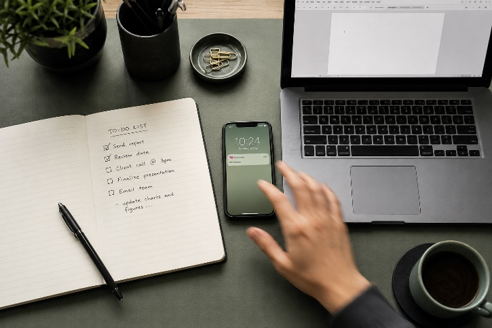
You sit down to write a report, and within four minutes you’ve checked email, glanced at Slack, and opened a new tab “just to look something up.” This isn’t a willpower problem. Repeated task-switching trains your brain to expect interruption, so it starts seeking it out even when nothing is pinging you [Study on attention residue and task-switching].
2. Small notifications trigger a disproportionate emotional reaction
A calendar reminder shouldn’t make your stomach drop. If a Slack ping or an email subject line makes your shoulders tense before you’ve even read it, that’s your nervous system treating routine digital noise like a low-grade threat.
3. You feel tired but wired at the end of the day
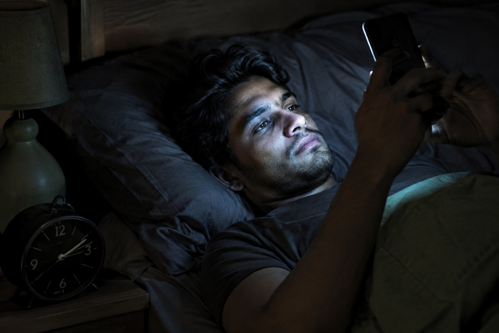
This is one of the most common digital fatigue symptoms — you’re exhausted, but your brain won’t switch off. That’s partly because screens (especially blue-light-heavy ones) can suppress melatonin production in the evening, delaying the body’s natural wind-down signal [Study on evening screen exposure and melatonin suppression].
4. Your eyes, neck, or head hurt by 3 p.m.

Screen fatigue isn’t just mental — it’s physical. Staring at a screen reduces your blink rate by roughly half, which dries out your eyes and can trigger headaches and blurred vision by mid-afternoon [Study on blink rate reduction during screen use]. If you’re squinting at your monitor and rubbing your eyes by lunchtime, your body is flagging overload before your brain admits it.
5. You reread the same paragraph or email three times
Ever get to the bottom of an email and realize you have no idea what it said? That’s not you being scattered — it’s a sign your working memory is overloaded from constant micro-interruptions throughout the day.
6. You reach for your phone the instant something feels boring or hard
Waiting for a page to load, sitting in a meeting that’s dragging, standing in line — if your hand moves to your phone automatically, before you’ve even consciously decided to check it, that’s a habit loop built on digital overload, not curiosity.
7. Your sleep has gotten worse, even though you’re exhausted
Struggling to fall asleep, waking up at 3 a.m. with your mind racing, or feeling unrested even after eight hours — these are strong signals. Late-night scrolling keeps your brain in an alert, information-processing state right when it should be downshifting [Study linking pre-bed screen use to sleep latency and sleep quality].
How to Know If You Have Digital Fatigue (A Quick Self-Check)
You don’t need a clinical diagnosis to know something’s off. Ask yourself these five questions:
- Do you check your phone within 10 minutes of waking up, before doing anything else?
- Have you lost the ability to sit through a movie or meal without a second screen?
- Do you feel a flicker of anxiety when your phone battery drops below 20%?
- Has your ability to focus on one task for 25+ minutes gotten noticeably worse in the last few months?
- Do you feel more irritable on days with back-to-back video calls?
If you answered yes to three or more, you’re likely dealing with some degree of digital overload — and you’re far from alone. One large survey found that the majority of remote and hybrid workers report feeling “always on” outside of official work hours [Survey data on remote/hybrid workers and after-hours connectivity].
Digital Overload Symptoms in the Workplace
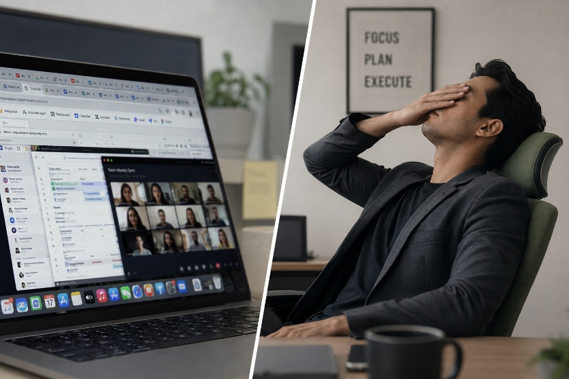
This is the piece most wellness articles skip, and it’s honestly the one that matters most for a lot of readers here. Digital overload doesn’t just show up as personal burnout — it shows up in specific, workplace-shaped ways:
- Meeting fatigue — dreading video calls specifically, even ones with people you like, because of the sustained eye contact and self-view stress that back-to-back calls create [Research on video call fatigue and self-view exposure].
- Inbox dread — a low hum of anxiety that starts before you even open email, especially after a weekend or vacation.
- Shallow multitasking — having five tabs and three apps open, technically “working” on all of them, but not making real progress on any single one.
- Decision fatigue by early afternoon — struggling to make even small choices (what to eat, which task to start) after a morning of constant digital input.
- Presence without productivity — being logged in for nine hours but only getting about four hours of focused output, because attention is constantly getting siphoned off.
Here’s my honest opinion on this one: a lot of workplace wellness advice tells you to “just set boundaries,” as if that’s a simple toggle switch. For most people in hybrid roles, your calendar isn’t fully yours to control. Boundaries help, but the bigger lever is usually reducing the number of context switches per day, not just the total hours logged in. Blocking two hours for deep work with notifications off does more for overload than shaving 30 minutes off your total screen time.
What Actually Helps (Without Quitting Your Job)
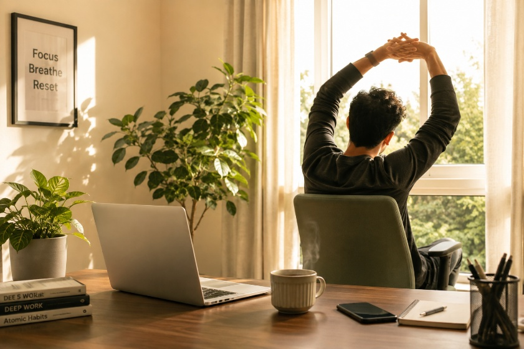
You don’t need a digital detox cabin in the woods. A few specific, research-informed habits tend to help more than a blanket “use your phone less” rule:
- Batch your notifications. Turning off non-essential alerts and checking email/Slack at set times (say, three times a day instead of constantly) reduces the number of context switches your brain has to absorb.
- Build in screen-free transitions. Even five minutes without a screen between meetings — walking to get water, stretching, staring out a window — gives your nervous system a chance to reset [Study on micro-breaks and attention restoration].
- Set a hard stop for screens before bed. Aim for 30-60 minutes of screen-free wind-down time. This one small change tends to have an outsized effect on sleep quality.
- Use “single-tasking” blocks. Pick one 25-45 minute window a day where you close every tab except the one you’re working in. It feels uncomfortable at first — that’s the overload habit fighting back.
- Talk to a professional if it’s affecting your daily functioning. If you’re dealing with ongoing anxiety, low mood, or sleep problems alongside these symptoms, a doctor or therapist can help sort out what’s screen-related and what might need separate support. Screen habits are rarely the whole story.
FAQ
How long does digital fatigue last? It depends on the person and how deep the habits go, but many people notice improvement in focus and sleep within 1-2 weeks of consistently reducing notification interruptions and adding screen-free wind-down time. Full recovery of attention span can take longer, especially if the pattern has been going on for years.
Can digital overload cause anxiety? Digital overload doesn’t cause clinical anxiety on its own, but research suggests near-constant digital input and after-hours connectivity are associated with higher reported stress and anxiety symptoms in workers [Study on digital connectivity and workplace anxiety/stress levels]. If anxiety is significant or ongoing, it’s worth talking to a doctor or mental health professional.
Is digital overload the same as screen addiction? Not exactly. Digital overload is about cumulative cognitive and physical strain from screen use, while screen or internet addiction refers to a more compulsive pattern that significantly disrupts daily life. You can have digital overload without meeting the criteria for addiction — most people do.
How much screen time is too much? There’s no single magic number, since the type of screen use matters as much as the hours. Fragmented, notification-driven use for four hours can feel worse than six hours of focused, single-tasked screen work. Pay attention to how you feel, not just the hours on your screen-time report.
What’s the fastest way to recover from digital overload after a bad week? Prioritize sleep first — get one or two nights of a real screen-free wind-down before bed. Then tackle notifications: turn off everything non-essential for a few days. Those two changes tend to produce the fastest noticeable relief.